News
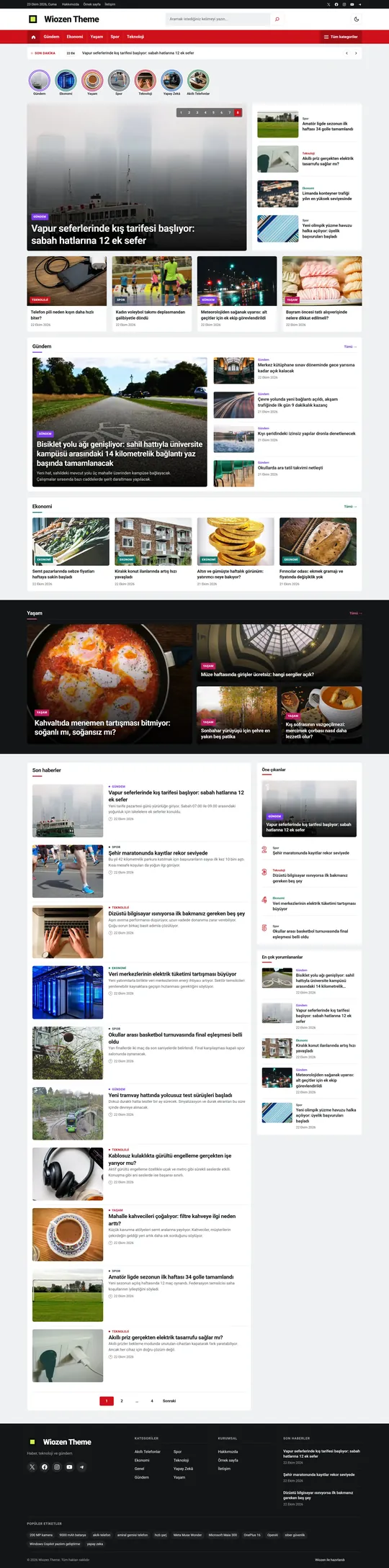
A dense newspaper front page with a breaking news ticker, headline slider and category sections.
Layouts built from real sites, for news, technology, finance and food. Works with the Site Editor and with the SEO, form and caching plugins you already use.
Latest release 1.0.1 · WordPress 6.6+ · PHP 7.4+
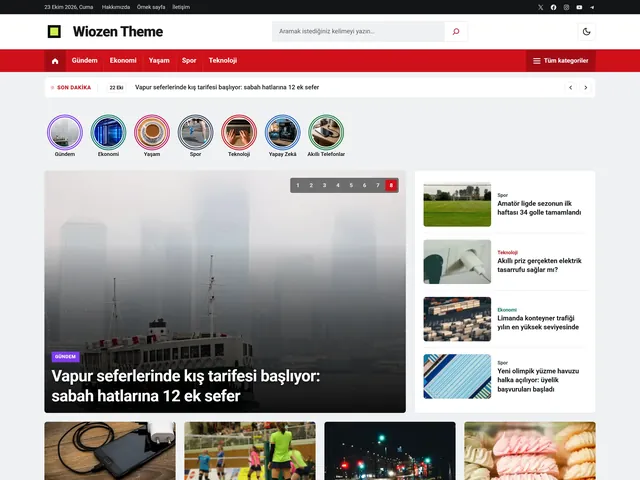
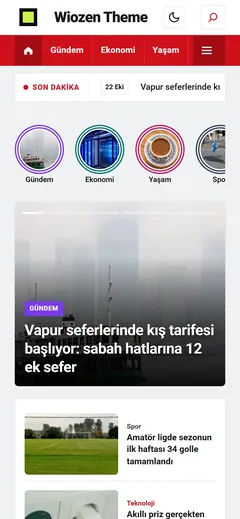
Each site picks a style, then changes colors, type and layout in the Site Editor.
A dense newspaper front page with a breaking news ticker, headline slider and category sections.
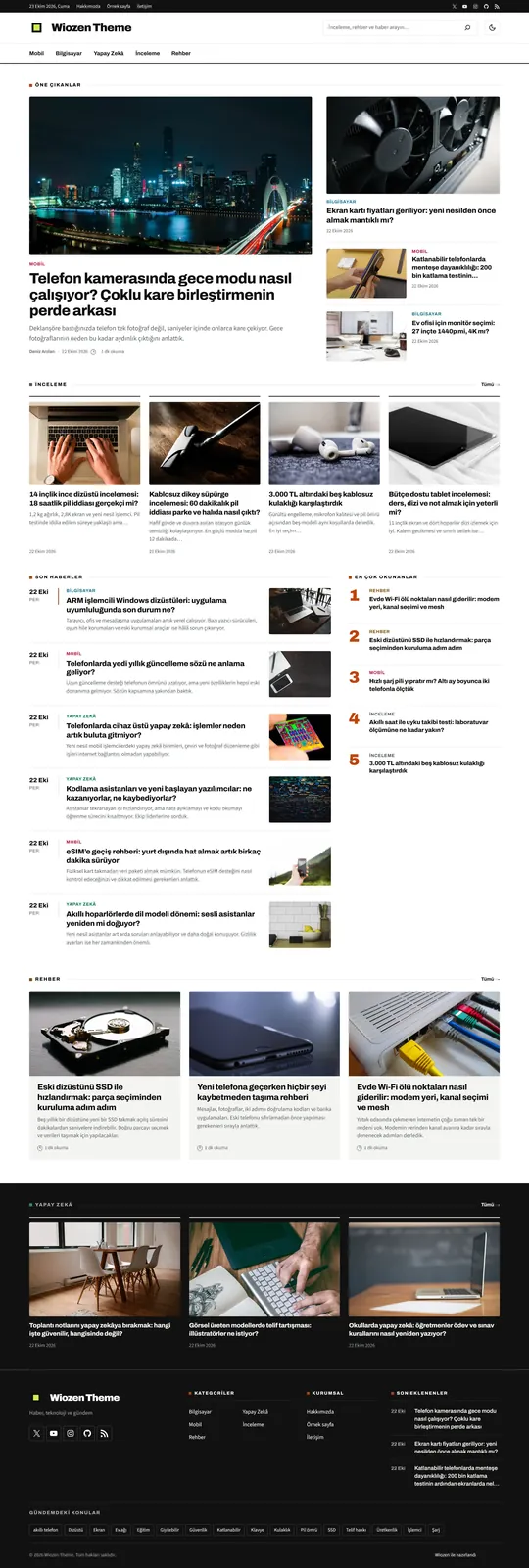
Featured posts, review and guide lists, and a timed news feed.
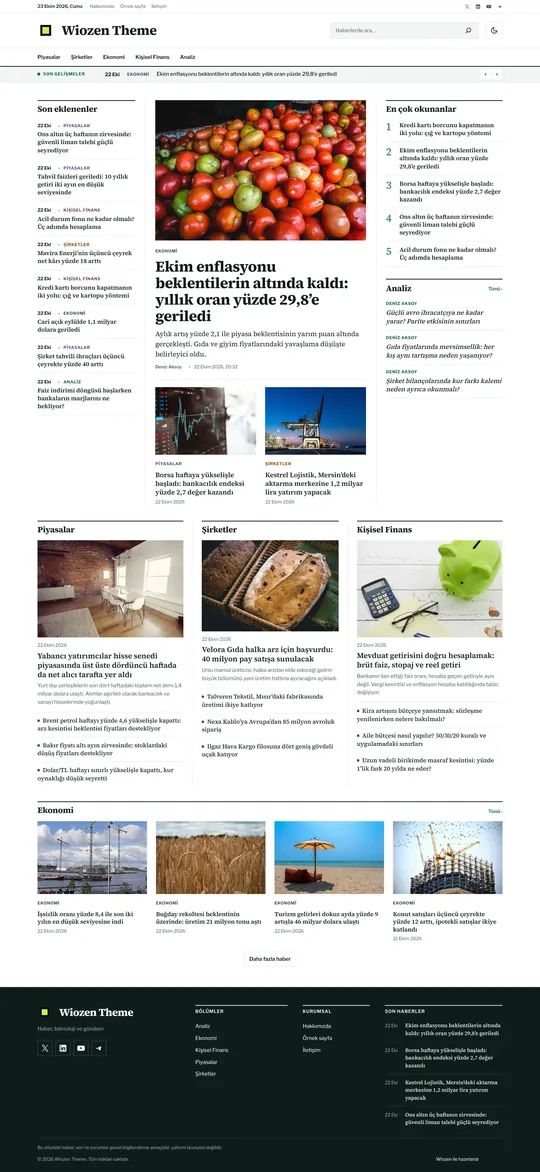
A timed headline feed, a lead story with analysis, and market and company columns.

Recipe of the week, round category stories and printable recipe pages.
Coming soon Sports · Health · Crypto · Travel · Automotive · Gaming
Appearance › Wiozen Theme: design choice, header and footer layout, ad slots, sample content and homepage modules, all on one screen.
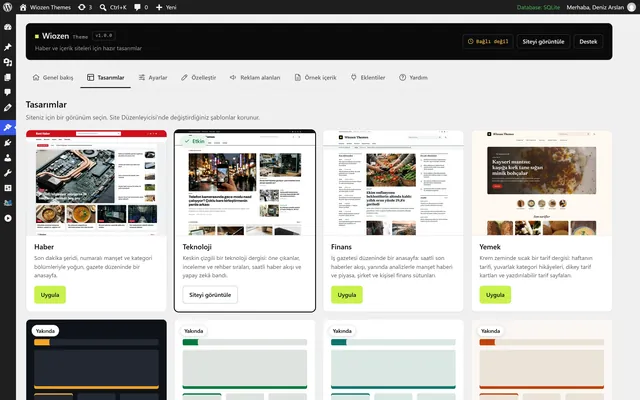
The theme is free. The panel and automatic updates unlock when you connect the site to your Wiozen account.
Download the zip, then install and activate it in WordPress under Appearance › Themes › Add New › Upload Theme.
Click "Connect Wiozen" in the theme panel, log in with your Wiozen account and approve the site.
Your account needs at least $5 in total top-ups. You spend the balance in Wiozen API, Forge and other apps; the license does not lapse.
Yes. Anyone can download the zip. The panel and automatic updates require a one-time total deposit of $5 to your account. That money is your balance and is spent in Wiozen apps.
No. The site visitors see always keeps working. Without a license, only the theme's panel and automatic updates are locked.
No limit. Each site connects on its own, and you can see your connected sites on the "My sites" page of this site.
Make your changes in a child theme or in the Site Editor. If the theme's own files are changed, the panel and updates are locked; reinstalling the theme fixes it.
Nothing gets locked. The theme keeps running on the last verified license and retries when the connection is back.
Site address, theme, WordPress and PHP versions, site language and the selected design. Content, users and IP addresses are not stored. Details are in the privacy policy.